SkyLog API for software teams
Order drone work from your own software.
Add drone inspections, photos and mapping to your product. Your customer orders in your app, licensed pilots near the job send a price, and every step comes back to you.
- Free test mode
- Signed webhooks
- Your brand on customer emails
Already have a business account? Open it
How it works
Your app, our pilots.
1. Your customer orders
They pick a drone job inside your product. One API call posts it to SkyLog, under your brand.
2. A local pilot prices it
Licensed Part 107 pilots near the job send a price. Your customer picks one, on SkyLog or in your app.
3. Results come back
Booking, flight, messages and files reach your app by webhook. The deliverables are one request away.
Who it's for
Software where a drone saves a trip.
 Roofing
 and exteriors
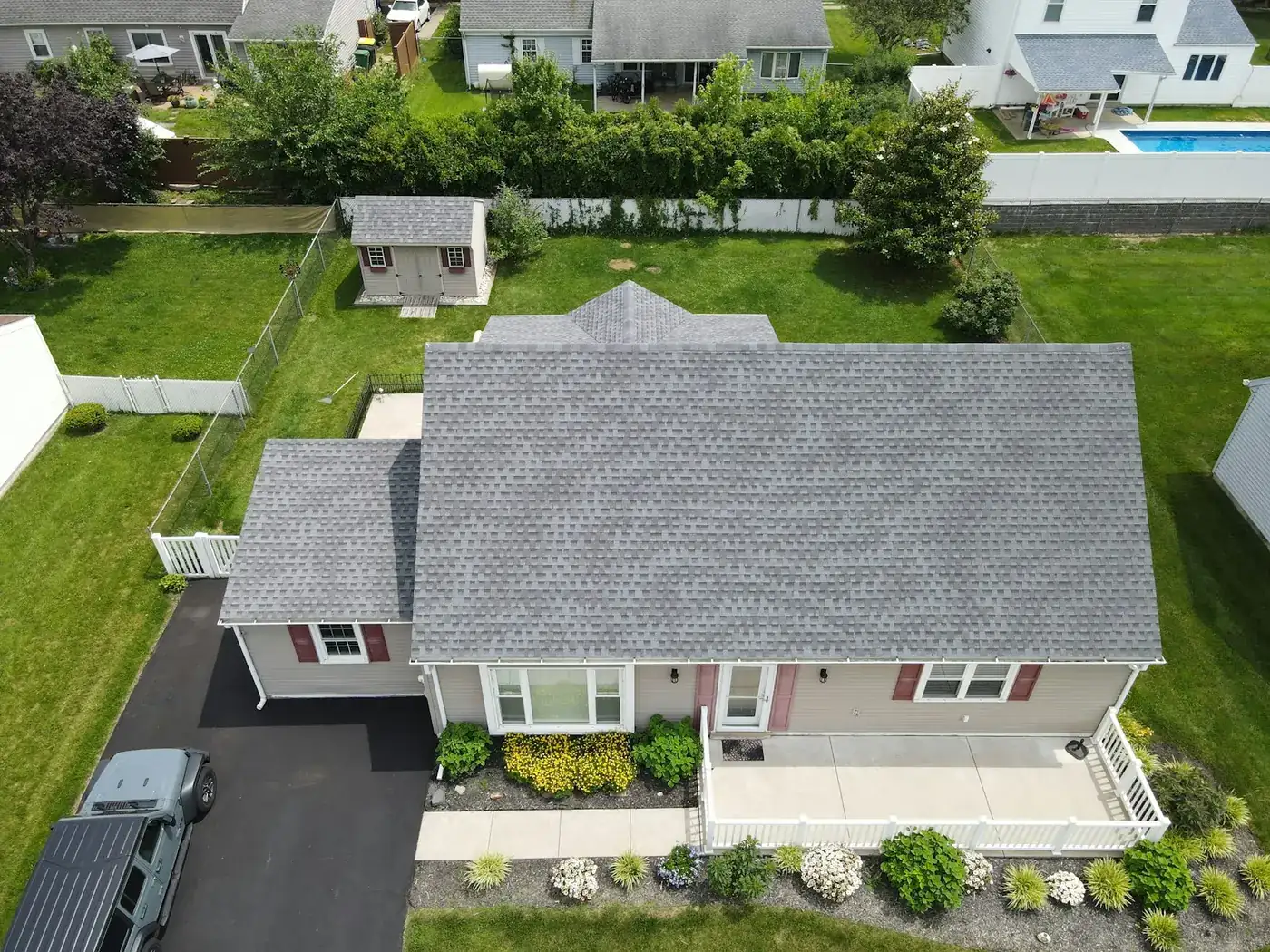
Roof photos and measurements for estimates, without a ladder or a site visit.
 Claims
Insurance and claims
Storm and hail damage documented from the air, ordered from the claim.
 Properties
Property management
Roofs, facades and grounds checked across a portfolio, from the work order.
 Listings
Real estate platforms
Aerial listing photos and video, booked where the listing is made.
You stay in control
Built in, not bolted on.
Your brand
Your logo on the emails your customer gets, and a link from their job page back to your app.
Your customer, your call
Let SkyLog email your customer, or keep SkyLog silent and handle prices and messages in your app.
Test mode from day one
Test keys work the moment you sign up. Nothing reaches a pilot or a customer, and tests are never billed.
Signed webhooks
Standard Webhooks signatures, retries for about three days and a delivery log you can replay from.
Locked-down keys
Read-only keys, IP allowlists and two-factor sign-in for your team.
Coverage before you offer it
Ask whether pilots cover an address before you show your customer the button.
One request
Post a job for your customer.
The kind of work, a description, an address and your customer's email. Pilots price from the description, in your customer's own words.
See the API referencePOST /api/v1/jobs
Authorization: Bearer sk_test_…
Idempotency-Key: 6f1c…
{
"service": "inspection",
"title": "Roof leak inspection in Phoenix",
"description": "Two-storey house, shingle roof. Leak over the kitchen.",
"location": { "address": "1 E Washington St, Phoenix, AZ",
"country": "US" },
"customer": { "email": "[email protected]" }
}Pricing
Pay for what you use.
Live usage is billed at rates we agree with you before your live keys are switched on. Each month's statement is in your dashboard.
- Test mode is free
- Rates agreed before you go live
- 0% commission on your customer's job
Get started
Build in test mode today.
- 1Create a business accountTest keys are ready as soon as you sign up.
- 2Build against test modeSame requests and webhooks, with no real pilots.
- 3We switch on live keysWe review your account and agree your rates first.
Questions
Does my customer need a SkyLog account?
No password, ever. Quote emails sign your customer straight in. Or post on your own account and handle quotes in your app.
How does my customer pay the pilot?
Directly, as on every SkyLog job. SkyLog takes no commission from the job.
Where can jobs be posted?
Anywhere in the United States for now. The coverage endpoint tells you whether pilots cover an address.
What does it cost?
Test mode is free. Live usage is billed at rates agreed with you before you go live, and every month's statement can be downloaded as CSV.